
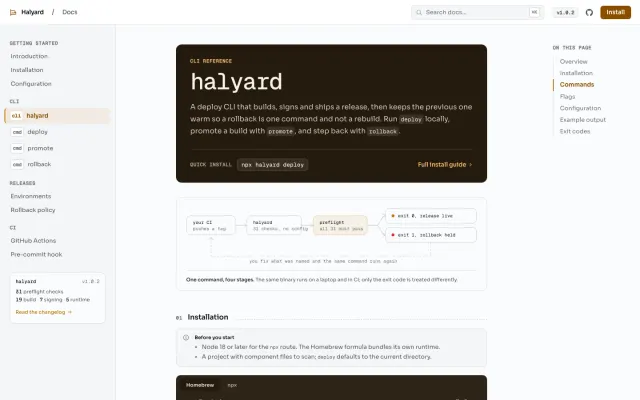
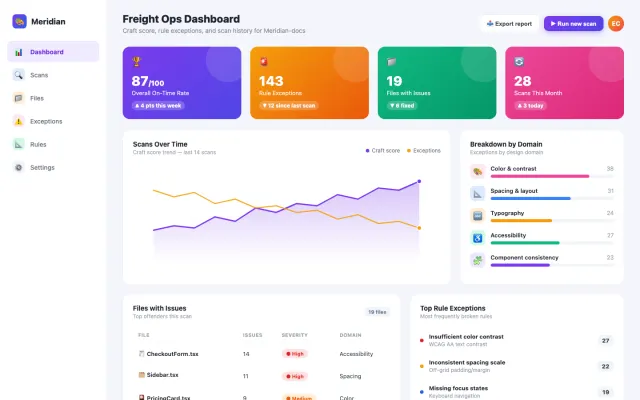
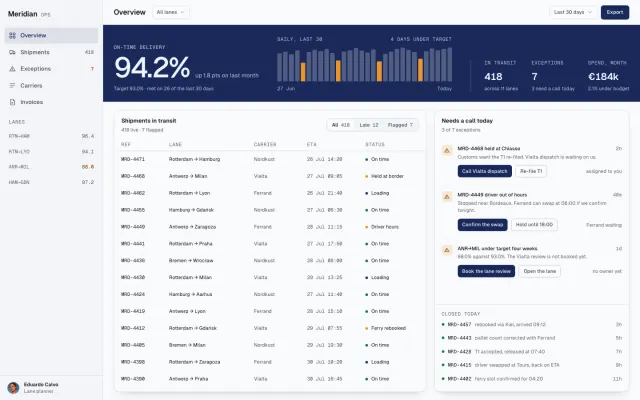
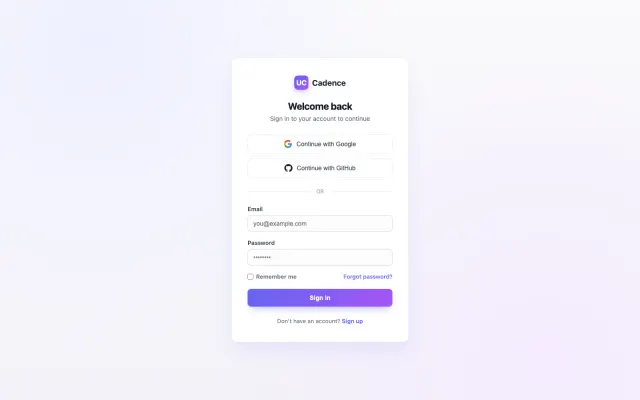
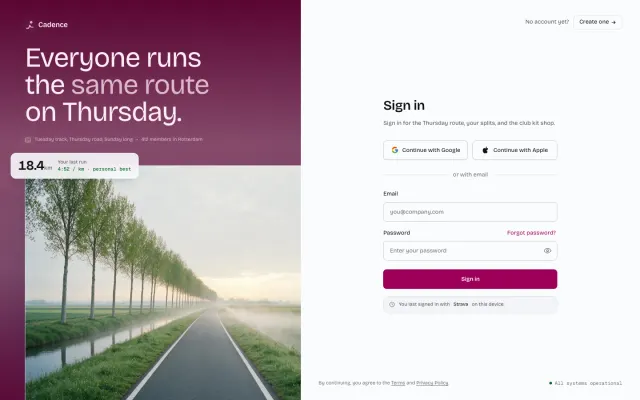
UI Craft runs inside Claude Code, Codex, Cursor, Gemini and OpenCode, and it gates this very site: 94 findings without the skill, 0 with it, across seven live pairs.
Not ready to install? Run npx ui-craft-detect src on a repo you already have. No account, no model call.
One ladder. Four rungs. Climb when you want more.
Everything UI Craft does sits on one of these four rungs. Rung 0 asks nothing of you — most people stay there. Each step up buys one specific thing.
/sddesign is not a fifth rung. It walks rungs 1 to 3 in one guided run, for a single big surface.
0 · Ask
Better UI with zero effort
- ask like you always do
Real hierarchy, your own tokens, and none of the tells that make a screen look generated.
Discovery runs before any code: the skill reads your CSS variables, Tailwind config, fonts and accent colors, then decides layout, type, color, motion and a11y in one pass.
1 · Direct
Control over one pass
/craft/critique/polish/animate- +15 more
A focused pass on one surface, aimed by you instead of inferred from a sentence.
Still session-local. Close the session and the choices leave with it — that is exactly what rung 2 fixes.
2 · Persist
Consistency across sessions
/brief/tokens/remember
Design context every future session reads before it touches a pixel.
The brief lands in .ui-craft/, the tokens land in your real token file. New session, new agent, new machine — same decisions.
3 · Enforce
Proof it cannot regress
/finalize- review agents
- MCP gates
- detect CLI
A gate that fails the build, plus a 0-100 number you can argue with.
52 deterministic gates — 38 anti-slop, 10 accessibility, 4 token-discipline. Taste becomes something that fits in a pull request.
The system behind the taste.
Three layers do the work: a detector, a scored gate, and a loop that won't quit until it passes.

Anti-slop detection

Scored quality gate
Convergence loop
/finalize --converge re-runs until the gate is green. It fixes, not just reports.AI agents write code fast. They don't know what looks good.
Not a template kit. Design engineering knowledge, applied before code is written.
- 31
- design domains
- 52
- deterministic gates
- 25
- slash commands
- 5
- agent harnesses
Motion, dataviz, forms, copy, a11y. Loaded on demand, not all at once.
38 anti-slop, 10 accessibility, 4 token-discipline. No model in the loop.
For aiming a pass. None of them required to get the default.
One installer detects what is present and wires each natively.
0 · Ask
Ask like you always have. It routes for you.
Nothing to configure and nothing to memorise. Describe the task; the skill picks the pass.
Build pass
Layout, typography, color, spacing, accessibility, and responsive: all handled in a single pass. Not one concern at a time.
Motion pass
Picks the right easing, duration, and origin. Knows that modals need ease-out at 200ms, not bounce at 500ms.
Review pass
Audits for generic AI patterns, accessibility gaps, and missed details. Returns a structured table of issues with fixes.
Polish pass
Finds the twenty small things that turn “done” into “crafted.”
Want to aim it yourself? Climb one rung.
Twenty-five slash commands. They are not a flat list. Every one belongs to a rung, so the group tells you what it costs.
→Front door · unsure where you are
/start
1Direct · one focused pass
/craft/shape/redesign/animate/adapt/typeset/colorize/clarify/distill/delight/polish/bolder/quieter/extract/critique/heuristic/audit/unhappy/harden
2Persist · written down once, read forever
/brief/tokens/remember
3Enforce · the pre-ship gate
/finalize
≫Express lane · rungs 1 to 3 in one run
/sddesign
All 25, with examples and what each loads, in the docs →
And it doesn't stop at one pass.
/finalize, /tokens and /unhappy can converge: re-run until the quality gate is green, not just report once.
/finalize --converge
- Pass 1star rating → removed
- Pass 2ALL CAPS → sentence
- Pass 3tinted glow → clean
- Pass 40 · Converged ✓
The gate is binary. It loops until zero findings or the budget runs out.
Three dials. Agent adapts to your project.
UI Craft asks about these during Discovery. The answers change behavior, not just tone.
Balanced. Runs the standard polish pass.
Entrances on scroll, hover on everything.
Comfortable rhythm. Room to breathe.
Drag the dials. The agent applies the same gates. How each one works in Getting started →
34 domains. Five clusters.
Not generic best practices. 512 KB of specific, opinionated reference, loaded a file at a time by whatever you happen to be building.
One line from each, verbatim. Nothing here is paraphrased for the page.
Every domain in the docs01Visual layer
text-wrap: balancefor headings,text-wrap: prettyfor body.font-variant-numeric: tabular-numsfor data and numbers.typography.md · 16 KB02Behavior
Under 100 ms registers as instant. 100–250 ms registers as a transition but does not slow the user. Anything longer in that first slot feels broken.motion.md · 24 KB
03Surfaces
The primary metric card takes a slightly larger number: 36 px against 28 px for the others.dashboard.md · 12 KB
04Critique
Common failures in AI-generated UIs: a form submit with no loading state, so the user clicks it three or four times thinking nothing happened.heuristics.md · 20 KB
05Decision spine
Colour is a neutral ramp plus an accent ramp plus semantic bases. Spacing is an 8 pt scale. Both are written down before anything is drawn.tokens.md · 16 KB
Works in every agent.
Claude Code reads the skill directly; every other harness gets a pre-built mirror with all 22 commands. Install once, run anywhere.
 Claude Codenative skill
 Codexpre-built mirror
 Cursorpre-built mirror
 Geminipre-built mirror
 OpenCodepre-built mirror
Anti-slop built in
Every UI gets tested against a single question: “Would someone believe AI made this?” If yes, it starts over. Here's the kind of thing that fails the test.
export function CTA() {
  return (
    <button
      className="group relative w-full rounded-xl"
      style={{
        background: "linear-gradient(90deg,#6366f1,#22d3ee)",
        boxShadow: "0 0 32px #6366f180",
      }}
    >
      ⚡ Get Started Now →
    </button>
  )
}Three findings, and the gradient is the one everybody ships. All 38 rules →
export function CTA() {
  return (
    <button
      type="button"
      className="h-11 rounded-lg px-5 font-medium
        bg-ink text-paper transition-colors
        hover:bg-ink-2 focus-visible:ring-2"
    >
      <PlayIcon aria-hidden />
      Start the free plan
    </button>
  )
}One colour, a real icon, a keyboard state, and a transition that names its property.
A menu, not just a flag.
Run ui-craft with no arguments and you get a guided hub, not a wall of flags.

~/ once, or scope it to one repo. Same menu.Taste you can put in CI.
Flip the sample. The same deterministic gate scores it and the agents flag it. Same input, same result, no API key.
UICraftScore

- Focus ring missing on the CTAa11y
+ focus-visible:ring-2 ring-offset-2 - Purple-cyan gradient on the buttondesign
+ solid accent token - ALL CAPS headline reads as templatedesign
+ sentence case, tracking-tight - Headline has no text-wrap balancedesign
+ text-wrap: balance
- Focus ring on every interactive elementa11y
focus-visible:ring-2 ring-offset-2 - One accent token, no gradientdesign
bg-[var(--color-blue-600)] - Sentence case, tightened trackingdesign
tracking-[-0.02em] - Headline balanced across its linesdesign
text-wrap: balance
4 findings · 1 error, 2 warnings, 1 suggestion. Blocked at the gate.
Clean. 0 findings. Ships green.
One of eight MCP tools, plus two review agents. See how they work →
The questions that decide it
Six of them, answered without a sales voice. The rest live in the docs.
All thirteen questionsDo I have to learn commands to get value?
No. Install it, keep prompting exactly as before, and the next screen is better. The 25 commands exist for when you want to aim a specific pass instead of describing it. If you are unsure where you are, /start reads the project and names the one command worth running.
Start at rung 0Will it fight my existing design system?
No, it defers to it. Discovery runs before anything is generated and reads what already exists: CSS variables, Tailwind config, font imports, component themes, accent colors. If you have a system, it builds from your tokens. If you have none, it establishes a minimal spine first.
How discovery worksWon't this make every project look the same?
That is the failure being fixed, not introduced. Output is built from your tokens rather than a house style, and three style variants plus a DESIGN_VARIANCE dial exist so the composition is not one shape. The uniformity problem is what the anti-slop rules target.
The rules, demonstratedWhat does the 0-100 score actually measure?
Three deterministic dimensions, no model judgment: anti-slop patterns, token discipline, and static accessibility. 52 gates in total: 38 anti-slop, 10 accessibility, 4 token-discipline. The same input always scores the same, which is what makes it usable as a CI gate.
What the number meansWhich coding agents does it work with?
Claude Code, Cursor, Codex, Gemini CLI and OpenCode. One installer detects which are present and wires each into its native config. Only Claude Code has native slash commands; elsewhere each command ships as a peer sub-skill triggered by intent.
Is it free?
Yes, and MIT licensed. No paid tier, no account, no telemetry, no usage limits.
The full breakdown, parseable
 Hi, I'm Aren!
What changes after ui-craft install
Three concrete deltas your next prompt will ship.
- 01
No more
transition: all.The detector catches the lazy shorthand. The skill teaches the property-specific alternative, and why it matters for compositor perf.
- 02
tabular-numson every metric, price, and timestamp.Numbers that line up column-by-column. Craft you can see without squinting.
- 03
Focus rings keyboard users can actually see.
Accessibility isn't a polish pass. It's the floor.
Or install anyway →
curl -fsSL https://skills.smoothui.dev/install | bashThen run ui-craft install. All install paths →
Free & open source. Works across 5 agent harnesses.